 Exness
 LiteFinance
 NordFX
 XM
XM
 Vantage
 EBC
EBC
 IUX
IUX
 OctaFX
 South Africa (9)
 India (9)
 Bangladesh (12)
 Germany (9)
 Thailand (10)
 Philippines (9)
 Nigeria (10)




See which forex apps in 2026 offer quick trades, low spreads, and smart tools for all skill levels.




A good trading app turns your phone into a market playground. Watch those green candlesticks light up your day.
But in reality?
You’ve probably missed trades because your app lagged.
The best Forex trading apps combine speed, reliability, user-friendly interfaces, and advanced analysis tools. They let you trade anywhere, manage risk, and access real-time data. Top-rated apps, such as MetaTrader 4, MetaTrader 5, and cTrader, consistently top charts for execution speed, charting, and broker support.
In this guide, I’ll walk you through not just which apps top the list—but why they do, backed by real user feedback, performance metrics, and expert evaluation.
To find the best forex trading apps, we conducted a thorough testing process using multiple devices, networks, and platforms.
Our testing environment included Android and iOS smartphones, tablets, and desktop platforms to ensure consistent performance.
At TopAsiaFX, we tested apps on different network conditions, from Wi-Fi to mobile data, to assess real-world reliability.
What really makes an app worth your time and money?
Here’s what we checked:
Each app was evaluated using a structured rating system that combined metrics with real-user experiences, making the process fun.
This way, every trader wins.
You can find the best forex trading apps for beginners. Android lovers get the best forex trading apps for Android.
Not all trading apps are created equal.
And some might even be slowing down your profits without you realizing it. We lined up the best forex trading apps and put them through a stress test worthy of a Wall Street showdown.
The result? Here you go:
| Brokers | Trading Apps | Ratings | Spreads | Minimum Deposit | Leverage |
|---|---|---|---|---|---|
| Exness | Exness Go | 4.8 | 0.0-0.1 pips | $10 | 1:Unlimited |
| AssetsFX | AssetsFx | 4.6 | 0.0-1.0 pips | $10 | 1:1000 |
| LiteFinance | LiteFinance Mobile trading | 4.1 | 0.0-3.0 pips | $50 | 1:1000 |
| AvaTrade | AvaTradeGO | 4.7 | 0.0-0.9 pips | $100 | 1:1400 |
| RoboForex | MobileTrader: Online Trading | 2.5 | 0.0-1.3 pip | $10 | 1:2000 |
| IC Markets | IC Markets Global | 4.8 | 0.0-0.8 pips | $200 | 1:1000 |
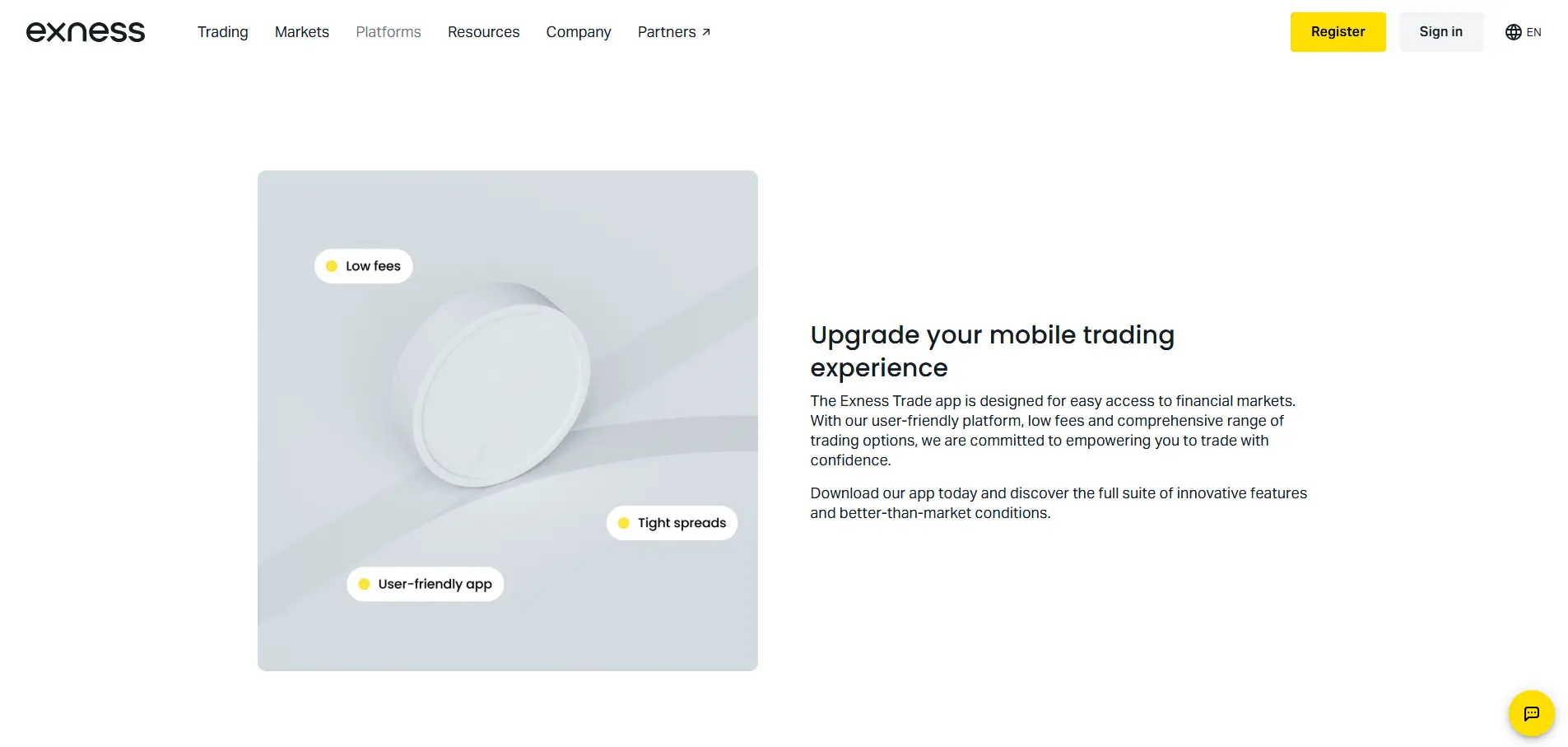
Exness is a top choice for traders seeking fast, flexible, and mobile-first trading. You can trade forex, metals, indices, stocks, and crypto CFDs through Exness Trade and Exness Go, both optimized for Android and iOS.
The broker offers ultra-low spreads, instant deposits and withdrawals, and multiple account types for beginners and pros alike. Regulated by CySEC and FCA, Exness ensures segregated funds and audited operations. Yet, some users report service glitches.
Are you ready to trade on the move?
With powerful mobile apps and flexible instruments, Exness might just be your gateway to smarter trading.
AssetsFX offers a versatile trading environment for both beginners and experienced traders. With account types from Standard to Zero ECN, it fits every trading style.
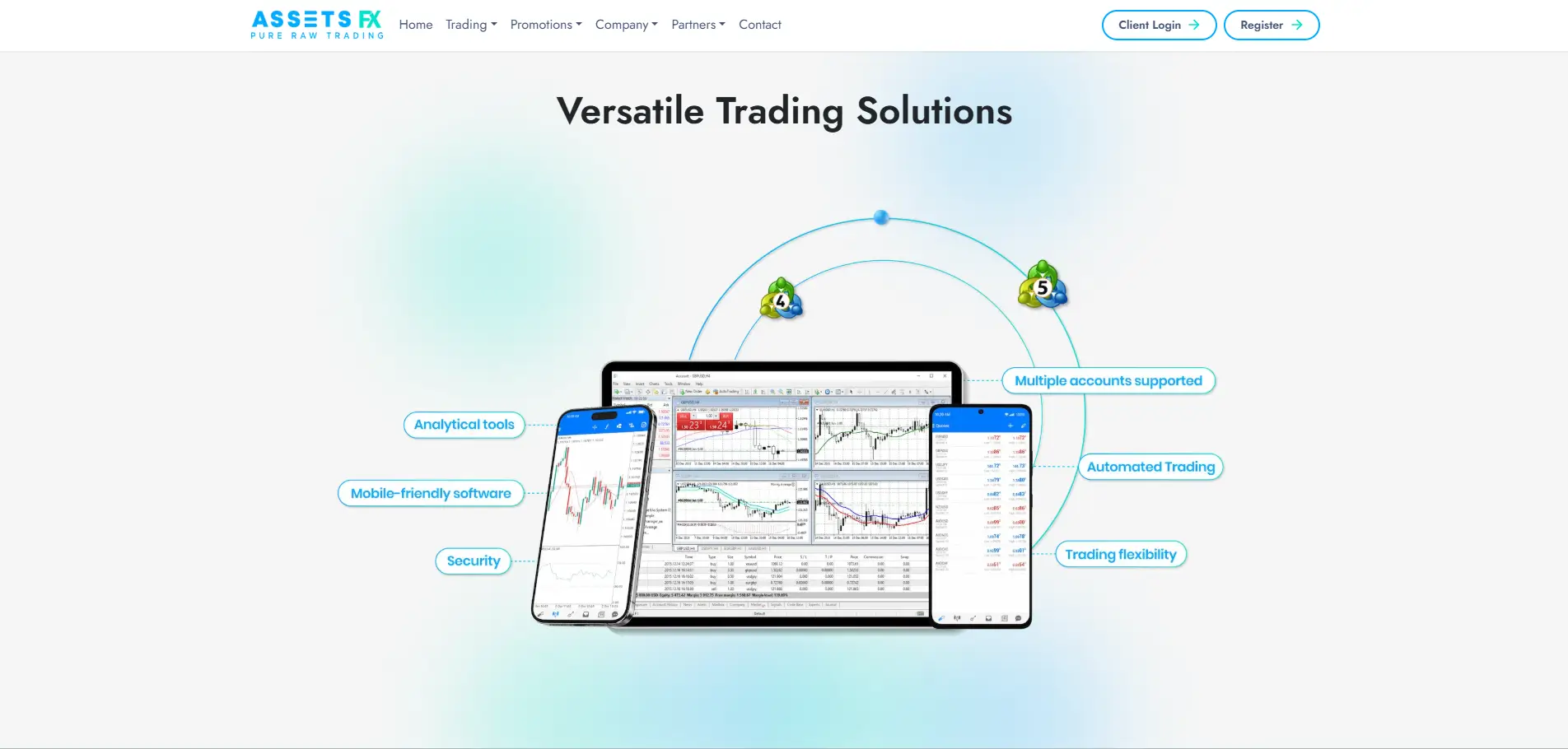
Spreads start at 0.0 pips, and leverage reaches 1:1000—flexible and cost-efficient. Trade anywhere on MT4, MT5, or WebTrader—Windows, Mac, Android, iOS. Support is ready 24/5 for fast help.
AssetsFX is a flexible broker regulated by the Financial Services Commission (FSC), giving traders some assurance of compliance and fund protection.
Looking for the best forex trading apps for iPhone that actually deliver? I’ve tried AssetsFX myself, and it might just be your perfect match.
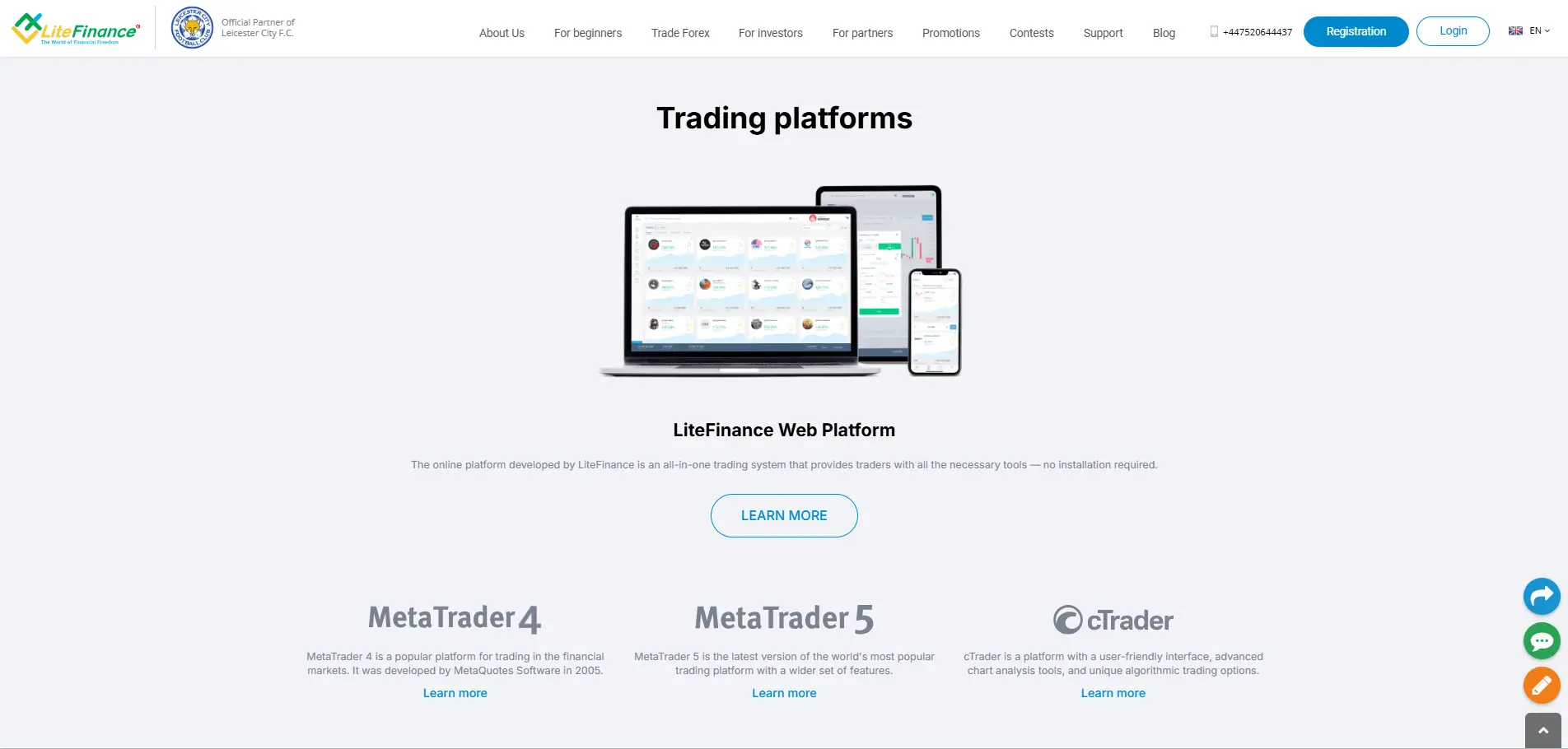
Regulated by the Financial Services Commission (FSC), it offers peace of mind while you trade. Choose from accounts like Standard, ECN, or Zero ECN, with spreads from 0.0 pips and leverage up to 1:1000.
If you ask me to rank the best fast execution brokers, I’ll also surely put it there.
Mobile trading is effortless—after a quick forex trading app download on your iPhone or Android, I was instantly trading on MetaTrader 4, MetaTrader 5, and WebTrader.
I tested the interfaces, placed trades, and customized dashboards to ensure ease of use, and everything felt intuitive and responsive. Having all those tools right in my pocket, plus 24/5 support, makes trading feel both powerful and convenient.
Imagine making a move on the market while commuting or sipping coffee at your favorite café, with full control and clarity at your fingertips.
AvaTrade makes trading simple, seamless, and smart. AvaTradeGO feels like trading with a personal butler—slick design, smooth navigation, live charts, and watchlists set up just the way you like.
The app integrates perfectly with MetaTrader 4, MetaTrader 5, DupliTrade, and AvaSocial, allowing you to switch platforms without missing a beat.
I love having live feeds, social trading, and risk tools like AvaProtect™ at my fingertips.
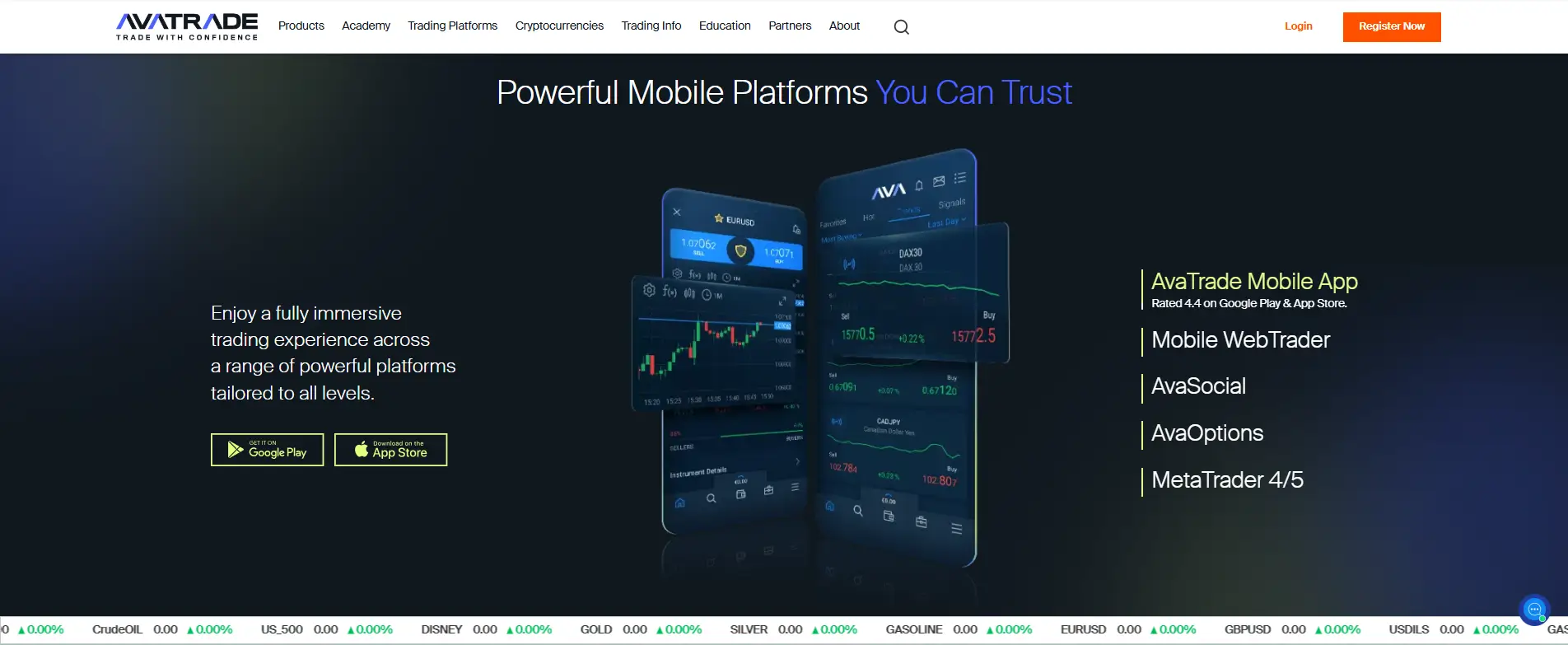
Whether you opt for a Retail, Professional, or Islamic account, the narrow spreads and adaptable leverage ensure a fair trading experience. Fully regulated and transparent, AvaTrade instills confidence in me with every trade.
And millions of active users around the world will say so.
RoboForex quickly became one of my go-to picks for the best trading apps.
The RoboForex MobileTrader app feels sleek and easy to use, yet powerful enough to give me real-time data wherever I am.
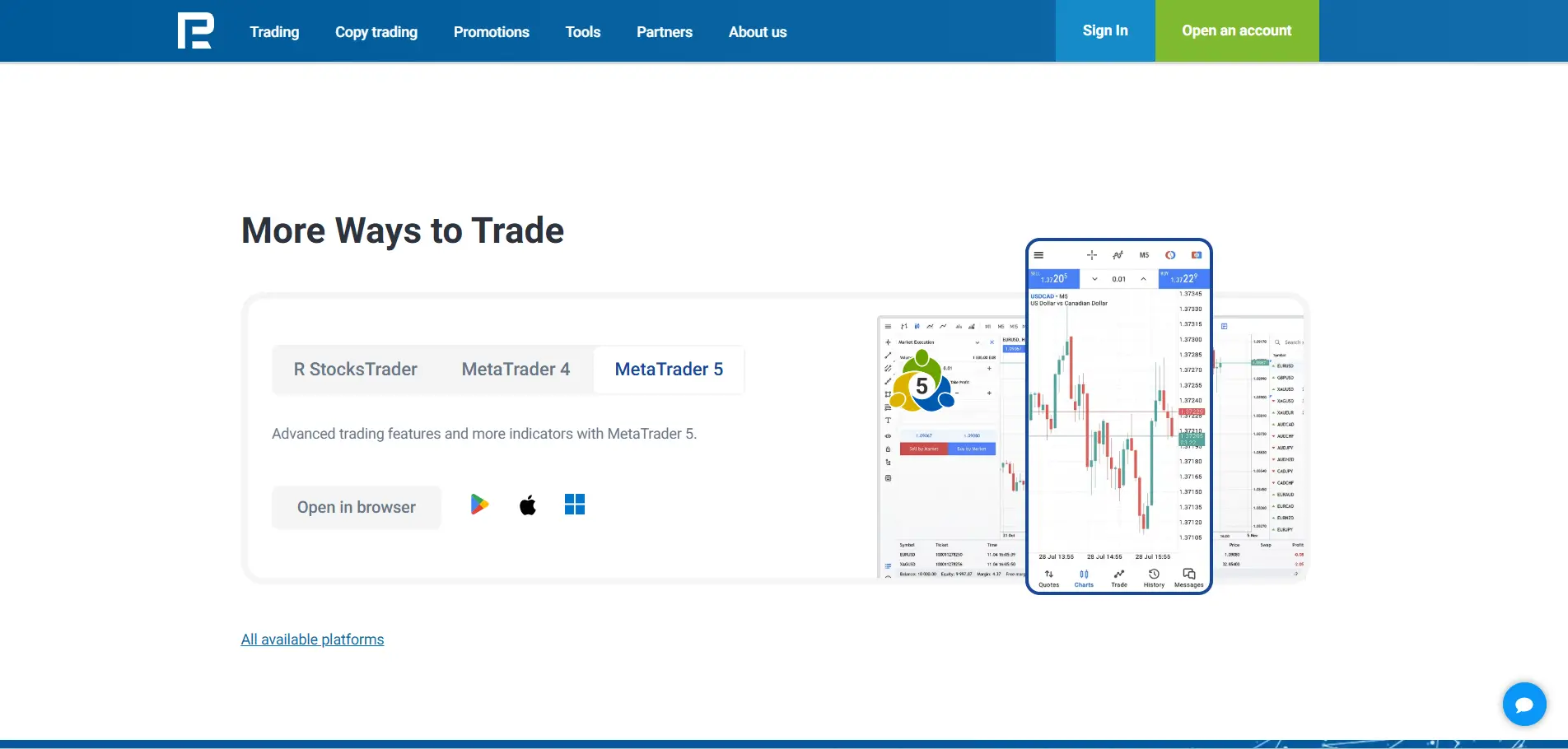
When I was starting, the demo accounts made learning stress-free.
Now, managing multiple assets through MT4, MT5, and R StocksTrader feels seamless. I especially like the fast execution, customizable charts, and even the cash-back rewards—it really adds extra value. For me, RoboForex brings desktop-level trading straight to my pocket, and that’s why it stands out as one of today’s top forex trading apps.
IC Markets really impressed me with how seriously they take mobile trading. Their MT4, MT5, and cTrader apps make execution lightning-fast, even on the go.
I did a quick forex trading app download and immediately tested the interfaces, placed trades, and customized dashboards—everything just flows. Charts load instantly, the layout is clean, and switching devices is seamless.
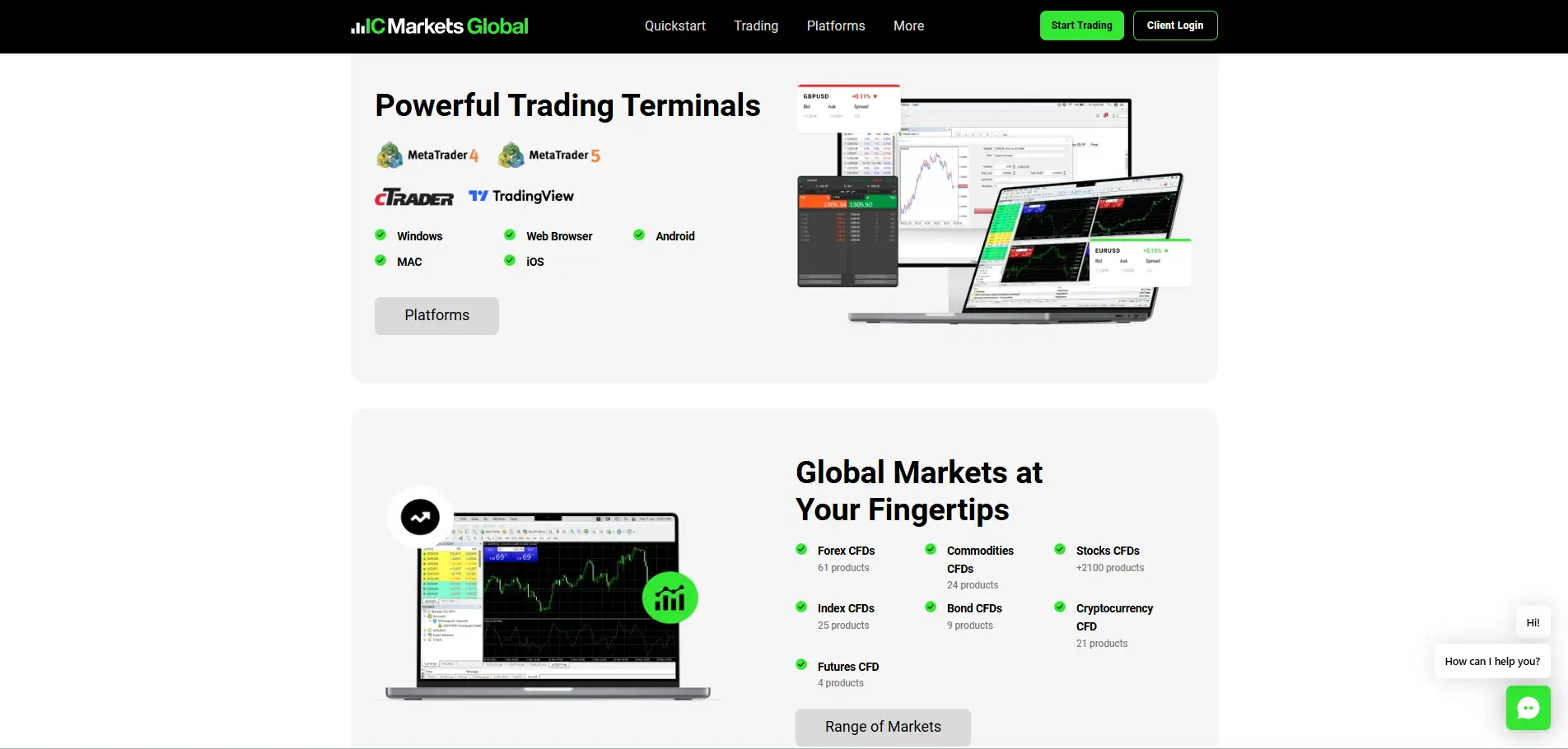
I’m scalping on my phone or checking charts on my tablet, and I stay connected. After a forex trading app download, IC Markets makes trading fast, easy, and even a little fun.
As a trader, you need to be aware of all types of fees, especially the ones that are not obvious at first. These fees can come from both the broker and the trading platform you use. That is why trading costs remain a major concern for traders worldwide.
Yes, Forex trading apps charge fees. This is how brokers make money. The key point is that the cost structure is not the same for everyone.
You are usually not charged just for installing or opening the app. The real costs come from spreads, commissions, and overnight swap fees. On top of that, brokers do not charge everyone equally. Fees vary based on the broker’s pricing model, your account type, and how much you trade.
There is a typical pattern most brokers follow.
Brokers that offer wider spreads usually charge low or no commissions. On the other hand, brokers that provide raw or near-zero spreads often charge higher commissions per trade. In most cases, this creates a balance. You pay either through the spread or through commission.
The real difference shows up over time. If you choose a Forex app with consistently low spreads, your trading costs stay lower, and more of your profits remain in your account.
Some costs do not appear when you place a trade, but they still affect your balance.
Many brokers charge withdrawal fees, especially for bank transfers. Some cover the fee once per month. If you withdraw frequently, these costs add up faster than you expect.
There can also be inactivity fees. If you stop trading for several months, the broker may deduct a fixed amount every month until you trade again or close the account.
Another quiet cost is currency conversion. If your account is in USD and you deposit in another currency, the broker converts it and takes a small cut. You usually notice this only when the deposited amount looks lower than expected.
So what should you actually do?
Always calculate the spread plus commission together. That is your real cost per trade.
Check withdrawal rules before you fund your account. Also, review the inactivity policies if you plan to trade occasionally.
And that’s why it matters. Lower and more transparent fees mean more of your profits stay with you. Over months of trading, that difference becomes very real.
When you start forex on your phone, the app makes a big difference in how quickly you learn and act.
You want a layout that feels natural to tap, charts that stay clear on a small screen, and order buttons that don’t make you second-guess. Good beginner apps help you focus on the market, not the menu.
That’s where XM stands out. The XM trading app is built for simplicity, with clean charts, fast execution, and tools that are easy to understand even if you’re placing your first trade.
You can open and manage trades in seconds, track your account in real time, and trade confidently knowing you’re using a platform trusted by millions of traders worldwide.
| Brokers | Minimum Deposit |
|---|---|
| XM | $5 |
| Exness | $10 |
| AssetsFX | $10 |
| LiteFinance | $50 |
| AvaTrade | $100 |
| RoboForex | $10 |
| IC Markets | $200 |
Many traders prefer an app that doesn’t charge commission because every pip counts on small moves. You want orders to go through cleanly, spreads to stay fair, and account costs not to surprise you at the end of the week.
A no-commission app still needs reliable charts and solid execution to help you make decisions with confidence.
| Brokers | Commisions |
|---|---|
| XM | $0-$3 |
| Exness | $0-$3.5 |
| AssetsFX | $0-$3 |
| LiteFinance | $0-$0.25 |
| AvaTrade | $0-$3 |
| RoboForex | $0-$3 |
| IC Markets | $0-$3 |
Most people trade on Android because it is always in their pocket. That convenience helps, but it also raises the stakes. You need an app that stays stable when prices move quickly, displays clear charts, and processes orders without delay. The right choice reduces stress and mistakes.
| Brokers | Mobile Apps |
|---|---|
| XM | XM App |
| Exness | Exness Trader App, MT4, MT5 (Android & iOS) |
| AssetsFX | AFX Social |
| LiteFinance | LiteFinance App, MT4, MT5 (Android & iOS) |
| AvaTrade | AvaTradeGO, MT4, MT5, AvaOptions (Android & iOS) |
| RoboForex | R MobileTrader, MT4, MT5, cTrader (Android & iOS) |
| IC Markets | MT4, MT5, cTrader (Android & iOS) |
Trading on a PC gives you more space to think. Bigger screens make charts easier to read and reduce the need for rushed clicks. Still, not every desktop app earns your trust. You want stable performance, fast execution, and tools that actually help you decide.
| Brokers | Max. Lot Size |
|---|---|
| XM | 100 lots |
| Exness | 500 lots |
| AssetsFX | 500 lots |
| LiteFinance | 100 lots |
| AvaTrade | 100 lots |
| RoboForex | 500 lots |
| IC Markets | 200 lots |
Copy trading sounds simple when you first hear about it. You follow another trader and your account mirrors their moves. That convenience comes with risk. You still face losses if they slip up.
Before using any app, you need to control settings and precise data on past results.
| Brokers | Leverage |
|---|---|
| XM | 1:1000 |
| Exness | 1:Unlimited |
| AssetsFX | 1:1000 |
| LiteFinance | 1:1000 |
| AvaTrade | 1:1400 |
| RoboForex | 1:2000 |
| IC Markets | 1:1000 |
You can like an app and still lose money if it is not adequately regulated. So you start with the basics. You can find the broker's name and license number in the app or on its website. Then you confirm that number on the regulator’s own site. If you cannot verify it, walk away.
Start by looking at the app’s website or legal section. A regulated forex app clearly states who regulates it. You should see names like FCA in the UK, ASIC in Australia, CySEC in Europe, or CFTC and NFA in the US.
If the app uses vague terms like "international regulation" or "globally compliant," that is a warning sign. Legitimate brokers name the regulator directly.
Never trust claims without verification. Visit the regulator's official website and search for the broker’s legal company name. Do not rely on brand names alone. Scams often copy similar names.
Make sure the license number matches and the status shows active. If you cannot find the broker, assume it is not regulated.
Where the broker is regulated, potent regulators enforce strict rules on reporting, audits, and customer complaints. Offshore licenses often offer little real protection. If a problem happens, you may have no legal path to recover funds.
Regulated brokers usually explain how they protect your money. Look for terms like segregated accounts, which means your funds are kept separate from company funds. If the app avoids explaining this, that is another red flag.
Check withdrawal rules, fees, and customer support access. Clear policies signal oversight. Confusing or changing rules often signals risk. A few checks now can protect your capital later.
Finding the right forex trading app matters more when you are just starting. A good app should make trading more straightforward, not more confusing. For beginners, ease of use, transparent pricing, and basic risk controls matter more than advanced features.
The goal is to learn good habits while protecting your capital, not to trade everything at once.
The best forex trading app for beginners focuses on clarity. You should be able to place trades, set stop losses, and check your balance without digging through menus.
Demo accounts are important because they let you practice without risking real money. Built-in education, simple charts, and transparent order screens also help you avoid early mistakes.
Suppose you trade on an iPhone, stability and clean design matter. The best forex trading apps for iPhone run smoothly, load fast, and do not crash during volatile markets.
Look for apps that support Face ID or Touch ID for security and offer push notifications for price alerts and trade updates.
A clean interface makes mobile trading less stressful.
The best forex trading apps for Android offer flexibility and customization. Android users often benefit from advanced notification controls and wider device compatibility.
Make sure the app works well on your specific phone model and Android version. Smooth chart performance and reliable execution are more important than extra features.
No app is perfect. Choose one that feels clear, regulated, and easy to manage. Simplicity beats complexity when you are learning.
A forex app can look modern and fast, but that means little if it cannot protect your account. Risk management tools are not optional features. They are the core of responsible trading.
If your app lacks basic controls, you will end up making emotional decisions when markets move fast.
The right tools help you limit damage, stay consistent, and trade with clear boundaries.
Every forex app should let you set stop-loss and take-profit levels before or during a trade. These tools define your risk and reward in advance. For example, if you risk 50 dollars on a trade, a stop loss ensures that the risk does not grow as the price moves against you.
Without stop losses, small losses can turn into large ones in seconds, especially during news events.
A solid app helps you calculate position size based on your risk percentage. This removes guesswork.
If you want to risk 1 percent of a 5,000-dollar account, the app should make it easy to see how many lots you can trade. Built-in calculators reduce mistakes and keep risk consistent across trades.
Good forex apps include account-level protection. This may include daily loss limits, maximum open risk, or equity stop rules.
For example, the app can stop trading after a 2 percent daily loss. These tools prevent revenge trading and protect your capital during losing streaks.
Leverage increases both gains and losses. Your app should clearly show used margin, free margin, and margin level at all times. Warnings before margin calls help you reduce exposure before positions are forced closed. Precise margin data enables you to avoid account shocks.
Risk management improves when you review past trades. A good app shows clear trade history, drawdowns, and risk metrics. This helps you spot patterns and fix mistakes over time.
Starting forex trading on your phone is easier than ever, but ease of access can also lead to careless mistakes. Mobile trading works best when you follow a transparent process from the start.
Your goal should not be to trade fast, but to deal with control. These steps will help you set up correctly and avoid common beginner errors.
Your first step is choosing a regulated forex trading app. Regulation protects you from basic risks like unfair pricing or blocked withdrawals. Look for apps regulated by well-known authorities such as FCA, ASIC, or CySEC.
Avoid apps that hide their licensing details or push fast deposits without clear terms.
Once you choose an app, create your account, and complete identity verification. This usually includes uploading an ID and proof of address.
While this feels inconvenient, it is a sign that the broker follows rules. Skipping verification often leads to withdrawal problems later.
Before risking real money, use the demo account. Mobile charts feel different from desktop platforms, and you need time to adjust. Use the demo to practice placing trades, setting stop losses, and managing open positions.
Treat demo trades seriously so habits carry over to live trading.
On mobile, simplicity matters. Learn how market orders, limit orders, and stop losses work inside the app. Always set a stop loss before confirming a trade.
A common beginner's rule is to risk no more than 1 percent of your account on each trade. This protects your capital while you learn.
When you move to real trading, start small. Deposit only what you can afford to lose.
Avoid using maximum leverage just because the app allows it. High leverage feels attractive but can quickly increase losses, especially on mobile, where reaction time is limited.
Mobile trading encourages overtrading. Reduce this risk by focusing on one or two currency pairs and one clear setup. This keeps analysis simple and decisions calmer. Fewer trades usually mean better focus and fewer mistakes.
Use the app’s trade history to review wins and losses weekly. Look for repeated mistakes, not single bad trades. Do not change your approach every day. Improvement comes from minor adjustments made over time.
The best forex trading apps do more than move fast—they give you confidence, control, and clarity with every tap. Whether it’s Exness, IC Markets, or AssetsFX, the right app mixes power with simplicity. Because trading shouldn’t feel like a gamble—it should feel like a smart move that turns those green candlesticks into real wins.
Exness reigns as one of the fastest trading apps. Orders execute in milliseconds with ultra-low slippage, thanks to global servers and tight spreads. It’s smooth and intuitive for all traders. AssetsFX brings similarly lightning-fast execution—0.1 sec speeds, zero requests, minimal delay, and ECN accounts at its core.
The fastest trading apps deliver instant execution with no delays. Exness stands out with millisecond order speeds and seamless performance for forex traders. AssetsFX also ensures lightning-fast execution, zero requests, and ultra-low latency. Both platforms are reliable, user-friendly, and perfect for anyone who values speed in trading.
Exness nails millisecond execution, tight spreads, and global reliability. AssetsFX delivers lightning-fast trades, zero requotes, and ECN power. RoboForex adds high leverage (up to 1:2000), diverse account types, MetaTrader & WebTrader support, plus great educational tools. IC Markets shines with raw spreads, sub-1ms execution, and deep liquidity.
For traders in Bangladesh, Exness is a top choice with BDT deposits, low fees, micro accounts from $10,and automatic Islamic accounts. XM also stands out with $5 minimum deposits, 0-pip spreads, and strong education support. Pepperstone delivers fast execution and tight spreads trusted worldwide.
The No. 1 trading app delivers speed, stability, and pro-level tools. Exness leads with millisecond execution and global trust. AssetsFX offers ECN accounts, zero requests, and ultra-fast performance. RoboForex stands out with high leverage, diverse platforms, and bonus programs.LiteFinance shines with copy trading and low spreads. IC Markets impresses with raw spreads, deep liquidity, and lightning execution trusted by pros.